



















How to Find the Cause and Fix a Hoverboard That Won't Turn Off
A hoverboard that won’t switch off may have a fault in its motherboard or internal circuits, rather than just a stubborn power button. If you’re thinking, “my hoverboard won't turn off,” first look for clues before trying a reset.
It’s unsettling when your ride-on keeps beeping or stays powered up, especially when you want to put it away safely. The good news? You can try a simple reset first: keep the hoverboard still and level on its wheels, hold the power button for 10 seconds, release it, then turn it off.
Next, learn what symptoms can point to a circuit or motherboard fault, what to check without taking unnecessary risks, and when it’s time to stop troubleshooting. We’ll walk you through the likely causes and the power-off-and-on steps, so you can make a calmer call about what to do next!
Key Takeaways
- Recognise when persistent beeping or a hoverboard that stays powered on may point to a motherboard or internal circuit fault.
- Check your board’s behaviour during charging and after unplugging to help narrow down a possible battery or connection issue.
- Keep your checks safer by looking for visible damage and avoiding overcharging or unnecessary handling of internal components.
- Know when a simple reset is worth trying and when a continuing fault means your hoverboard should stay out of use.
Faulty motherboards and internal circuit errors
- Check the external power button before opening anything. Look for dirt, looseness, or a button that stays depressed. Note whether the board stays lit, keeps beeping, or ignores repeated presses. Record any unusual wheel or light behaviour. These observations can help distinguish a physical button problem from an internal control fault. Don’t force the button or prise open the casing.
- Compare the symptoms with the board’s normal start-up. A motherboard controls signals between the power button, battery, and other circuits. If the hoverboard remains powered after you press its button, an internal control fault is one possible cause. Continued beeping alongside an unresponsive button adds useful detail. Neither symptom identifies a specific failed component by itself.
- Keep component names in perspective. One repair discussion identified a suspected TIP137 transistor and recommended replacing two nearby electrolytic capacitors. That was a reported diagnosis, not a universal fix for every board that stays on. Different models can use different circuit layouts. Don’t treat a component name alone as proof of your hoverboard’s fault.
- Treat repair reports as examples, not instructions. In one account, replacing both transistors restored the hoverboard’s operation, while the owner reported it continued working without capacitor replacement. This illustrates how component-level faults can cause power problems, but doesn’t show that the same parts are faulty in another hoverboard.
- Keep your checks external if a circuit fault seems possible. Don’t disconnect battery wiring or handle internal boards as a diagnostic shortcut. An unsuitable repair attempt can damage a cable or component. Write down the model, symptoms, and what happens when you press the button. This gives a repair assessment a clearer starting point.
A hoverboard that won’t turn off may have a motherboard-related problem. Internal circuit boards require appropriate repair skills, so don’t treat a repair kit as a reason to open the casing or attempt a repair yourself.
Identifying the cause of a hoverboard that will not turn off
Use visible symptoms to narrow down the fault, and stop riding before inspecting the board.
-
Check for overheating, smoke or noise
Move away from the hoverboard if it smokes, and stop using it immediately. Unplug the charger only if it’s safe to do so. Don’t ride or charge a board that feels unusually hot. Listen for new buzzing, clicking, or repeated beeping. Note when each symptom starts, such as after charging or pressing the power button. Keep the board clear of people and combustible materials.
-
Diagnose the power button or control board
Press the power button once and watch its response. Check whether it feels stuck, sits unevenly, or fails to click. Look for lights changing or beeping continuing after the press. If the button moves normally but the board stays powered, a control-board fault is possible. These checks narrow the possibilities but don’t identify a failed component. Don’t open the casing to test circuits.
-
Disconnect the battery safely
Unplug the charger and switch the hoverboard off first. Don’t open the casing or pull battery connectors without model-specific instructions. A yellowish-orange battery connector may stop beeping when disconnected, but reaching it means accessing internal wiring. If the battery is hot, swollen, damaged, or smoking, don’t handle it. Keep clear and get appropriate repair help instead of touching internal parts.
- Keep a damaged lithium battery out of household rubbish, kerbside recycling, and general battery collection points. Store it away from heat and combustible items, without handling exposed wiring. Contact your local council about its damaged-battery disposal route, and tell them the battery is damaged. This helps identify suitable handling and disposal.
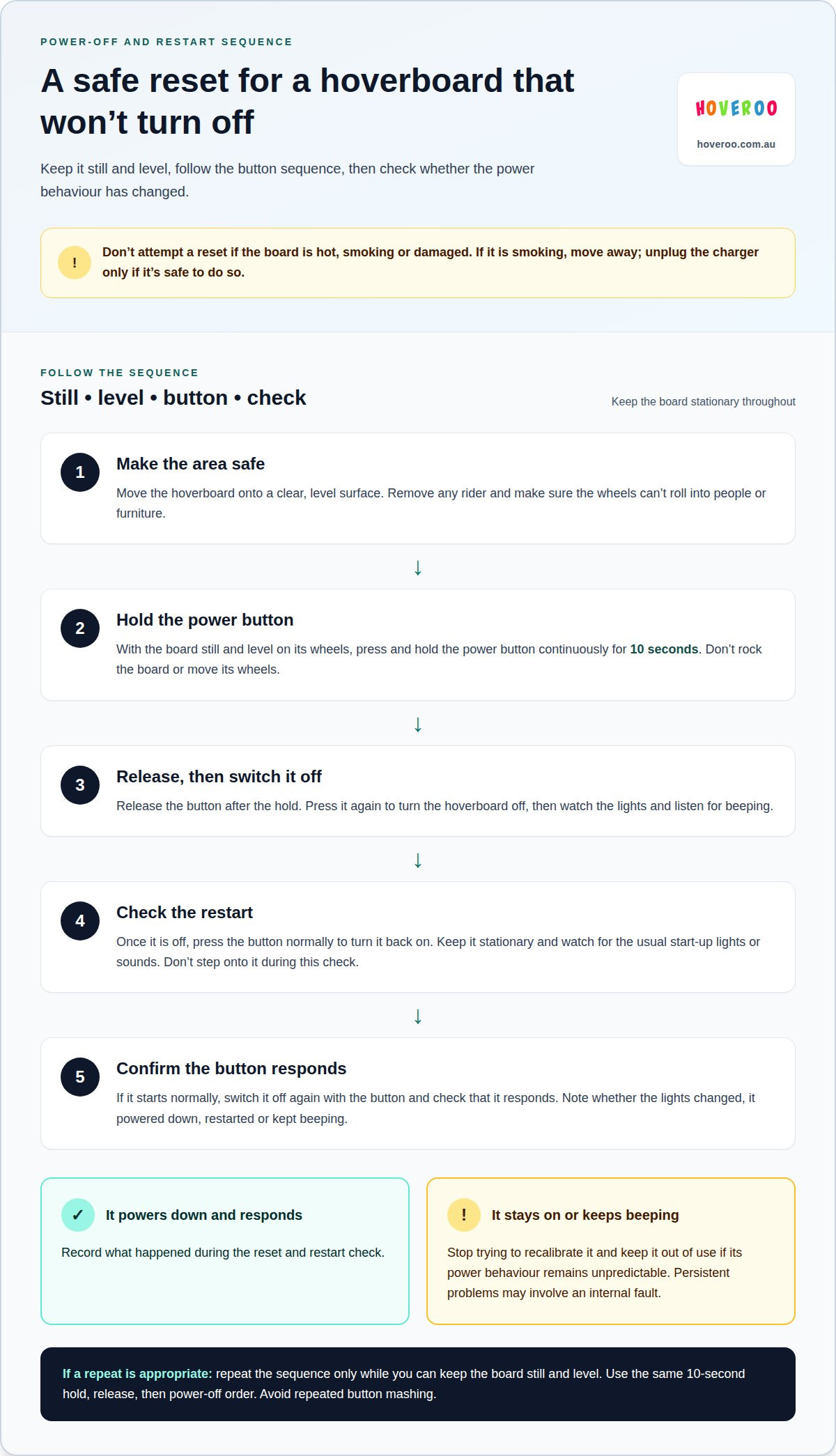
Powering the hoverboard off and on
- Move the hoverboard onto a clear, level surface and keep it still on its wheels. Remove any rider before touching the power button. Make sure the wheels can’t roll into furniture or people. If the board is hot, smoking, or damaged, don’t attempt a reset. A stable position helps you follow the steps safely.
- Keep the hoverboard level and press its power button. Hold it continuously for 10 seconds. Don’t rock the board or move its wheels during this reset. The still, level position is part of the recalibration process. Count the full 10 seconds, then release the button before trying to switch the board off.
- After releasing the button, press it again to turn the hoverboard off. Watch the lights and listen for beeping. Check whether the board actually powers down rather than assuming the reset worked. If the display or sound continues, note what happens. Those details can help show whether the power-off succeeded or a fault remains.
- Once the hoverboard is off, press the power button normally to turn it back on. Keep the board stationary on its wheels and watch for the usual start-up lights or sounds. Don’t step onto it during this check. If it starts normally, switch it off again using the button and confirm it responds.
- Repeat the sequence only if you can keep the board still and level. Use the same 10-second hold, release, and power-off order. Avoid repeated button mashing, which makes the result harder to assess. If the hoverboard stays on after the reset, stop trying to recalibrate it. Persistent power-button problems may involve an internal fault.
- Record the outcome before your next troubleshooting step. Note whether the board powered down, restarted, or kept beeping. Include whether the lights changed during the 10-second hold. A clear record helps you compare later checks without repeating the same steps blindly. Keep the board out of use if its power behaviour remains unpredictable.
Is it safe to keep riding or charging a hoverboard that won't turn off?
- Stop riding if the power button won’t switch the board off. Step away and keep others clear. A hoverboard that remains powered may respond unpredictably, so don’t test it with a rider. Move it only if you can do so safely, without touching hot or damaged areas. Keep children away until it’s switched off and checked.
- Look for visible damage before any further use. Check the shell, wheels, button area, and charging port. Cracks, loose parts, or exposed wiring are reasons to leave the board unused. Don’t open the casing to inspect the battery. An external check can spot obvious damage, but it can’t rule out an internal fault.
- Don’t charge a board that stays powered, feels unusually hot, or shows damage. Unplug the charger if safe, then keep the board away from heat and combustible materials. Overcharging can shorten battery lifespan and cause overheating. Follow the hoverboard’s charging instructions, and stop charging when the battery is full.
- Before riding again, confirm the board switches off and on normally. Check that its lights and sounds behave as expected. If it keeps beeping, stays powered, or shows visible damage, leave it out of use. Repeated resets won’t make an unresolved power fault safe. Record the symptoms and any changes after charging.
- Keep cleaning simple while the hoverboard is switched off. Use a soft, damp cloth to remove dirt from the shell. Avoid harmful chemicals and corrosive solvents, which can damage the shell and interior electronics. Don’t clean around exposed wiring or a damaged charging port. Once dry, check for anything out of place before considering another ride.
If a power fault continues, explore ride-on options before planning your next outing.
Hoveroo
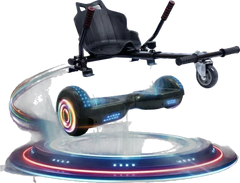
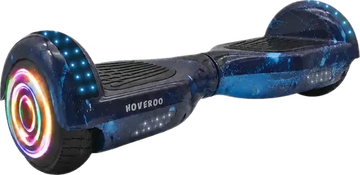
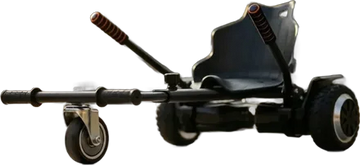
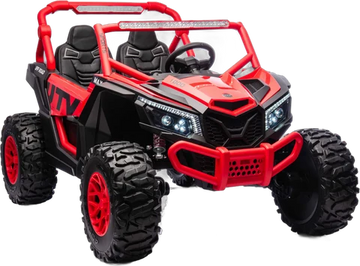
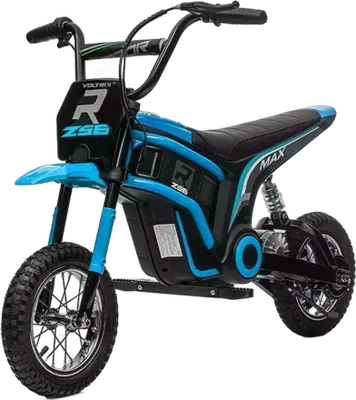
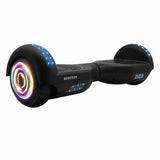
Hoveroo offers electric ride-on options for families planning their next outdoor adventure. If your hoverboard’s power fault continues, leave it unused rather than riding it again. You can explore the Hoveroo Hoverboard, Off-Road Hoverboard, Thunderbolt Electric Dirt Bike and Voltrix TerrainMaster 24V 4x4 Ride On as options for future family fun.
Every Hoveroo hoverboard has UL 2272 certification, and Hoveroo products include a minimum 12-month Australian warranty. Australian support is available by email, chat and phone on weekdays. Consider what kind of riding and terrain suits your family, then contact Hoveroo to discuss your next step.
Use of products sold by Hoveroo is subject to applicable national, state, territory and local laws, regulations and local council by-laws. Consumers are responsible for checking and complying with all applicable local requirements prior to use. Unless expressly stated, products are not represented as approved for use in any particular public area.
Choose a safe next step for your next ride
If “my hoverboard won't turn off” still describes your situation, leave the board unused until its power behaviour is resolved. A reset is only useful if the hoverboard responds normally afterwards. Don’t rush back into riding. A clear next step can help you plan future rides with more confidence.
If the fault continues, consider what you need next: guidance on your options or a different ride-on for family adventures. Hoveroo offers a range of children’s ride-ons to explore, but an unresolved hoverboard fault means the board isn’t ready to ride. Think about who will use a ride-on and where you’ll ride, then choose an option that suits your plans.
For help considering your next step, contact Hoveroo. Here’s to safer decisions and plenty of fun outdoors when you’re ready!
Frequently Asked Questions
How do I turn off a hoverboard that won’t shut down?
Use the hoverboard’s normal power control once it’s stationary and unoccupied. If it ignores the command, don’t force the button or pull internal battery wiring. Check whether dirt or shell damage is stopping the button from moving properly. If the board stays active, keep it away from riders and charging, then arrange a proper fault assessment.
Why won’t my hoverboard turn off?
A stuck power button, control-board fault, or battery connection problem can prevent normal shutdown. If my hoverboard won't turn off after you press the button, note whether its lights, beeps, or wheel response change. A hoverboard that only powers up while charging may also have a faulty battery or a loose battery connection at the motherboard. These clues can help narrow down the cause.
How do I reset or power-cycle a hoverboard safely?
Use the reset sequence described above, with the board unoccupied and stable. Confirm it has powered down before switching it on again. Don’t disconnect the internal battery as a shortcut or keep cycling power if the board is hot, damaged, or making unusual sounds. If the controls still won’t respond, stop troubleshooting and keep the hoverboard out of use until it’s assessed.